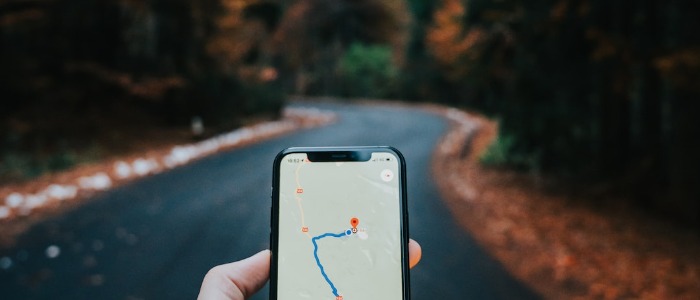
Are you craving a delicious meal but stuck in a location that doesn’t have the food you want? Fear not, DoorDash has got you covered! With its easy-to-use platform, you can change your location and have your favorite meals delivered right to your doorstep. In this article, we will guide you through the simple steps to change your location on DoorDash and satisfy your cravings anywhere!
How to Deliver Deliciousness Anywhere
DoorDash is an on-demand food delivery service that connects diners with local restaurants. Whether you’re at home, at work, or on vacation, DoorDash makes it easy to satisfy your hunger cravings by delivering your favorite meals from nearby restaurants. You can now enjoy your favorite burger, sushi, or pizza without leaving your couch!
Change Your Location on DoorDash in a Snap!
Changing your location on DoorDash is easy and straightforward. Here’s how you can do it in just a few simple steps:
- Open the DoorDash app and tap on the “Account” tab.
- Select “Settings” and then tap on “Delivery Address.”
- Enter your new address or use the map to adjust your location.
- Hit “Save” to update your location, and you’re all set!
Now you can browse through the menus of nearby restaurants and order your favorite meals to be delivered straight to your new location. So, whether you’re moving to a new city or just on vacation, DoorDash makes it easy to satisfy your hunger cravings.
In conclusion, changing your location on DoorDash has never been easier. With just a few taps on your phone, you can have your favorite meals delivered right to your doorstep, no matter where you are in the world. So, go ahead and explore the restaurants in your new location with DoorDash – the possibilities are endless!